UX Pilot Design Task
Hi! This is my response to the UX Pilot design task. I had a lot of fun iterating on the brand. So much more to explore but hopefully the below will give an indication as to my early thinking and exploration. Further down there are the three ads and below that the repurposed case study for LinkedIn. Enjoy!
Design task
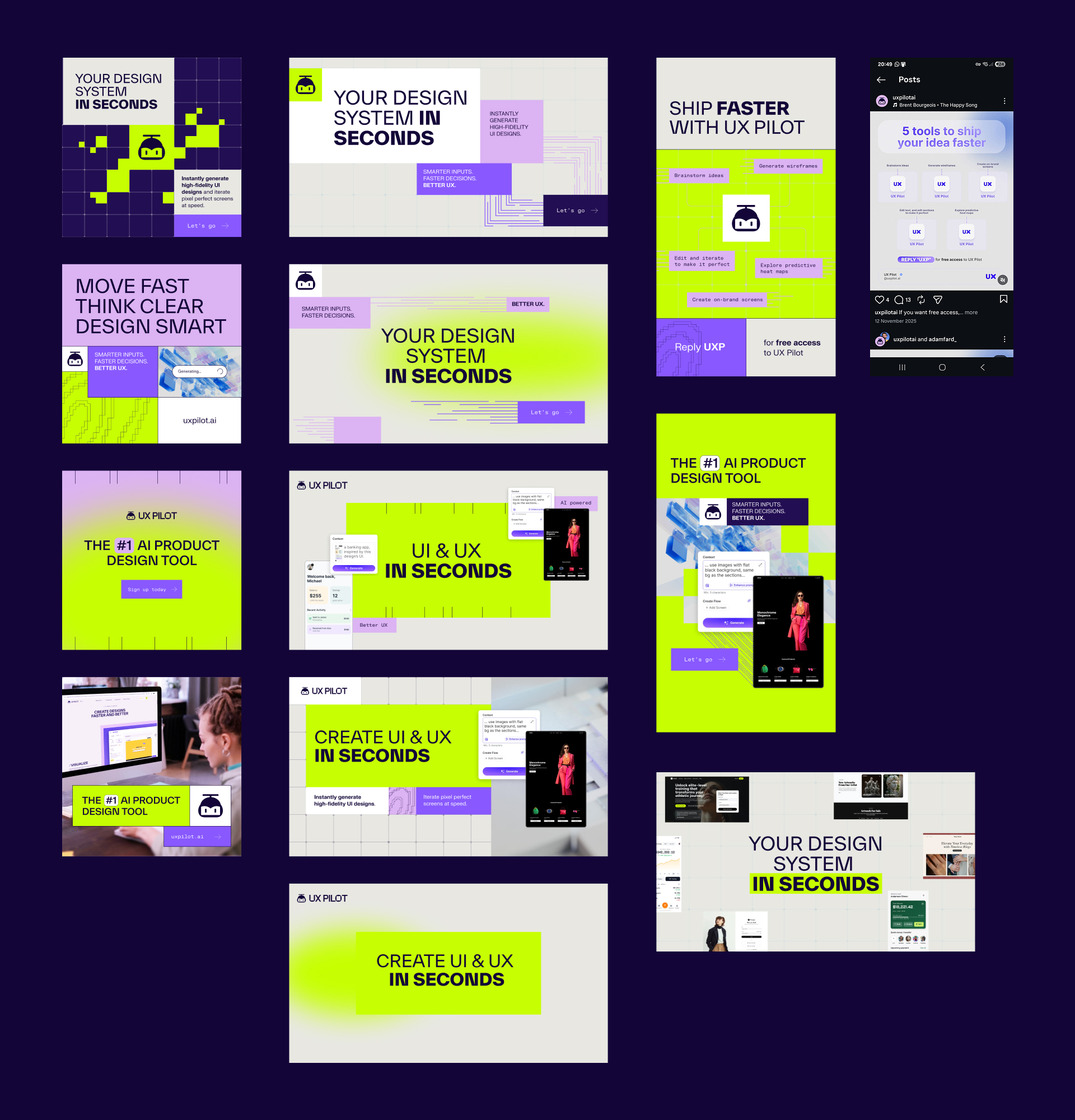
For the three ads, rather than treat it as one idea with three different formats, I changed it to one idea per format in order to experiment. Early experimentation led me to try pushing out of the grid layout in order to prevent things from potentially becoming too rigid. I wanted to try and find some additional photography such as people or abstract 'cube' generating patterns to underpin the design and see if it could 'feel' UX Pilot.
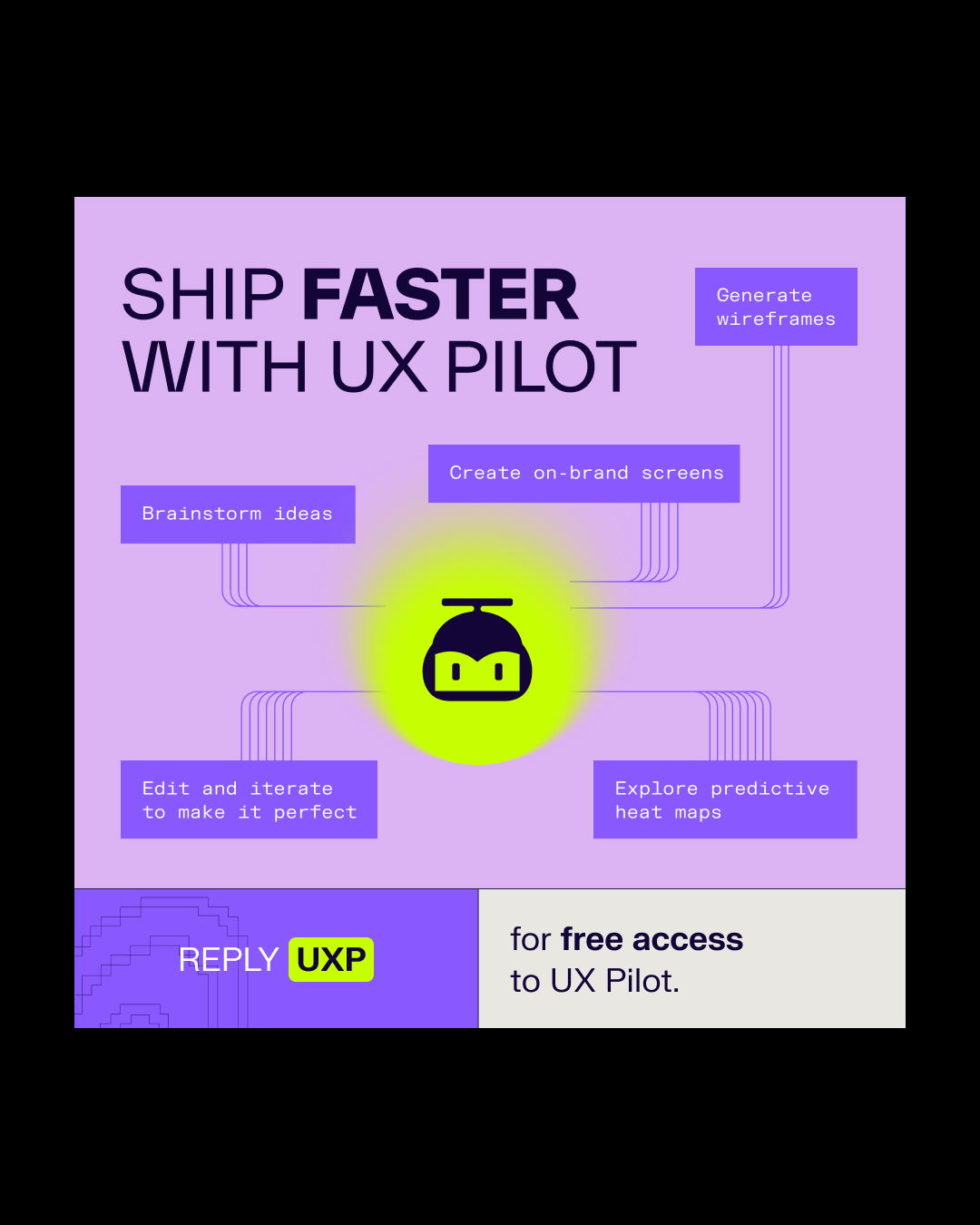
The square ad I derived from an existing old branded post on Instagram - I found it interesting to see how this could look in the new brand. I played around with typography, highlighting words in different weights or using colour bars. Lastly I had a play with motion to bring some excitement to the ads, after all in advertising motion is king! I went a bit all out and modelled the mascot in 3D - I love the 2D logo animation so wanted to recreate this in 3D to have some depth and to be playful with the brand. Future steps - I would look at finding more ways to keep things looking fresh and to inject some human element into the brand - grainy gradients, people photography and 3D elements.
LinkedIn Case Study - Carousel Post
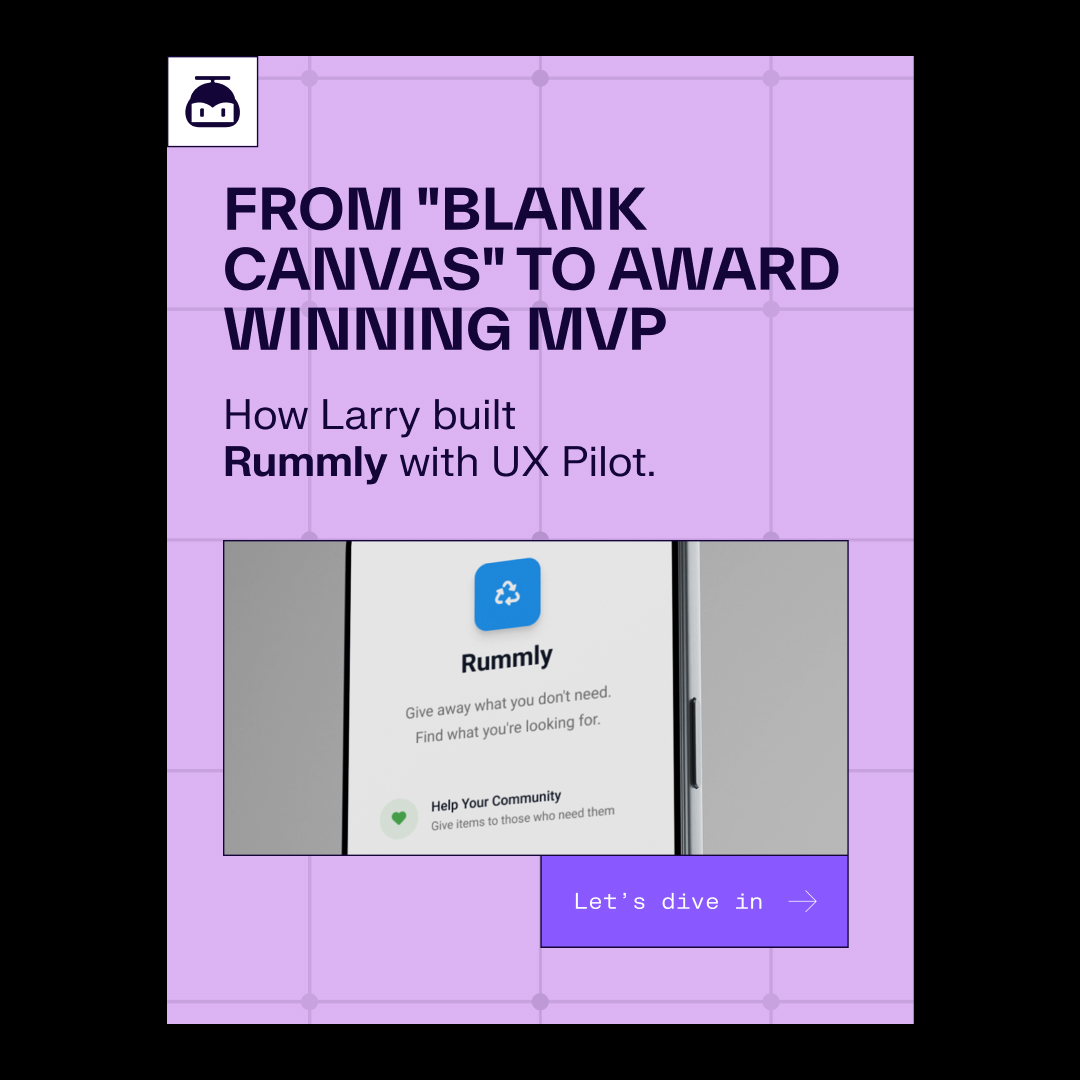
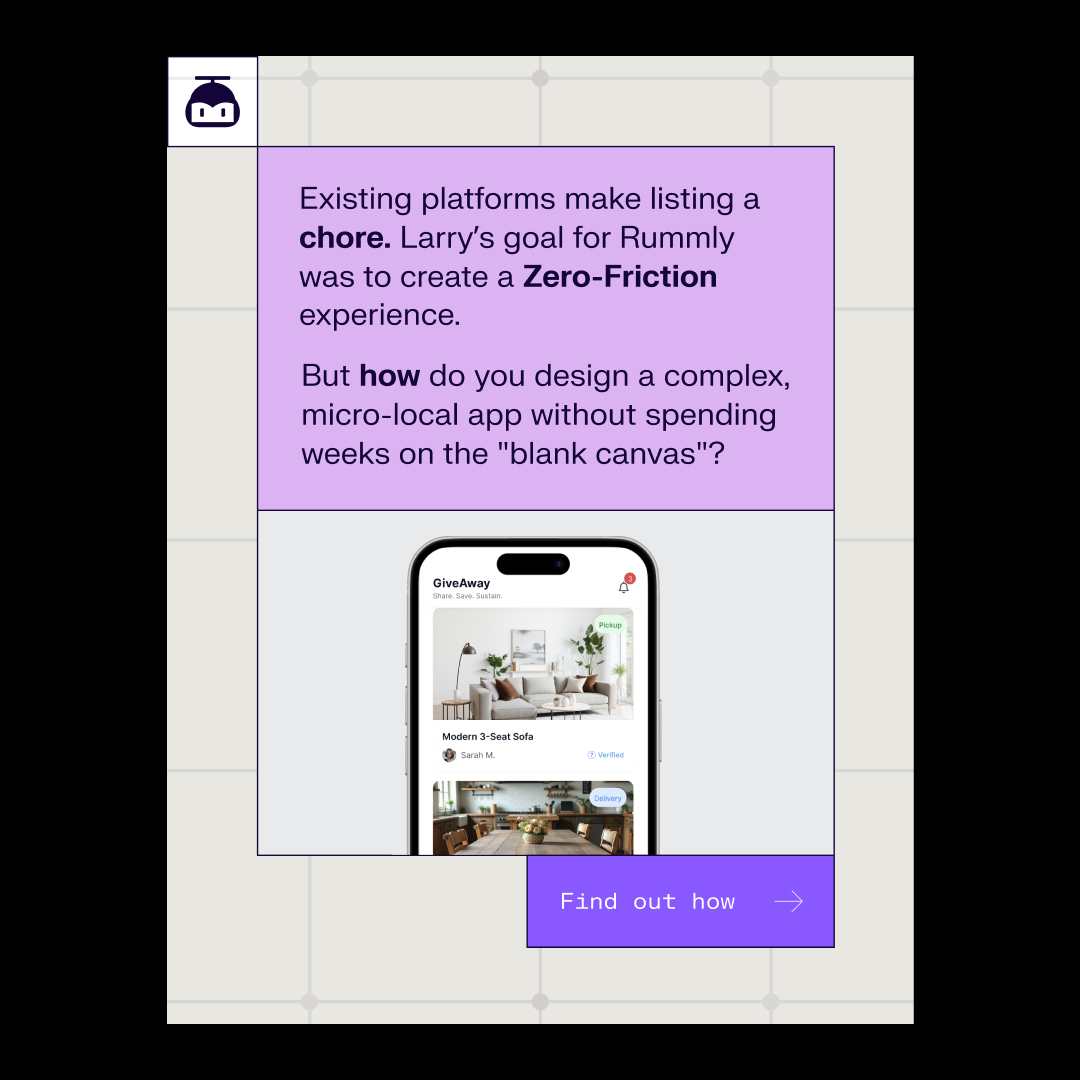
From "Blank Canvas" to Award Winning MVP: How Larry built Rummly with UX Pilot. Existing platforms make listing a chore. Larry’s goal for Rummly was to create a Zero-Friction experience. But how do you design a complex, micro-local app without spending weeks on the "blank canvas"?
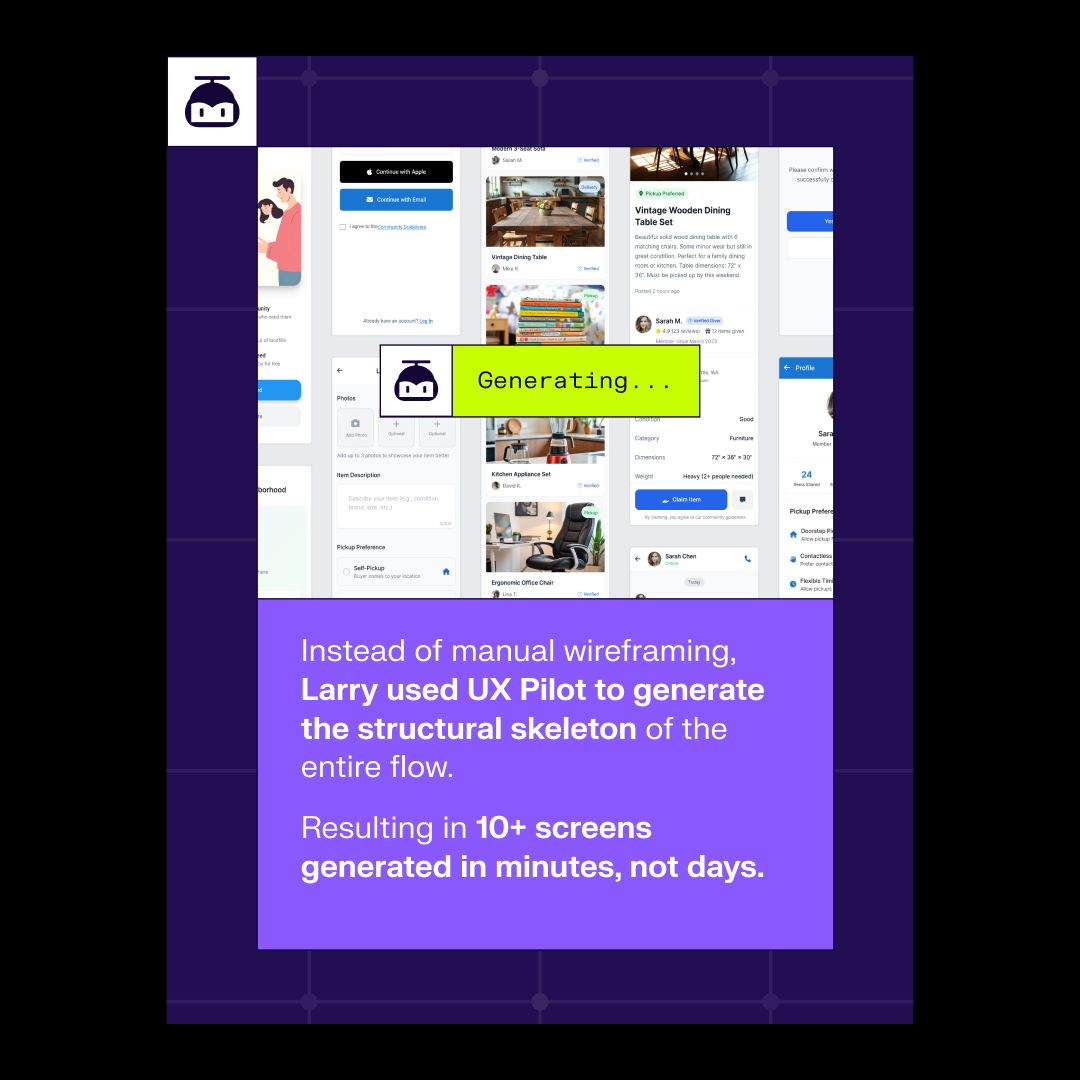
Instead of manual wireframing, Larry used UX Pilot to generate the structural skeleton of the entire flow. Resulting in 10+ screens generated in minutes, not days.
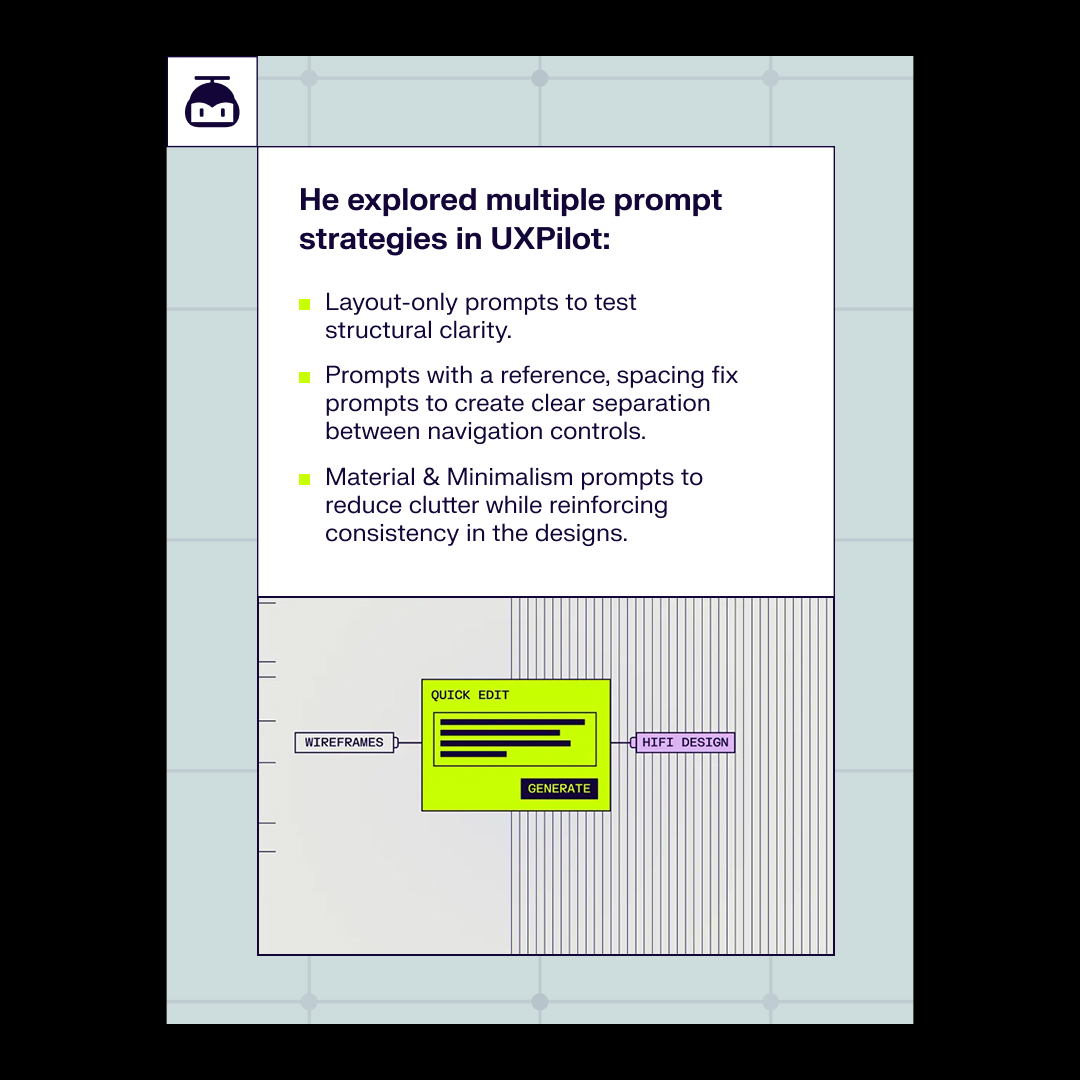
He explored multiple prompt strategies in UXPilot: Layout-only prompts to test structural clarity. Prompts with a reference, spacing fix prompts to create clear separation between navigation controls. Material & Minimalism prompts to reduce clutter while reinforcing consistency in the designs.
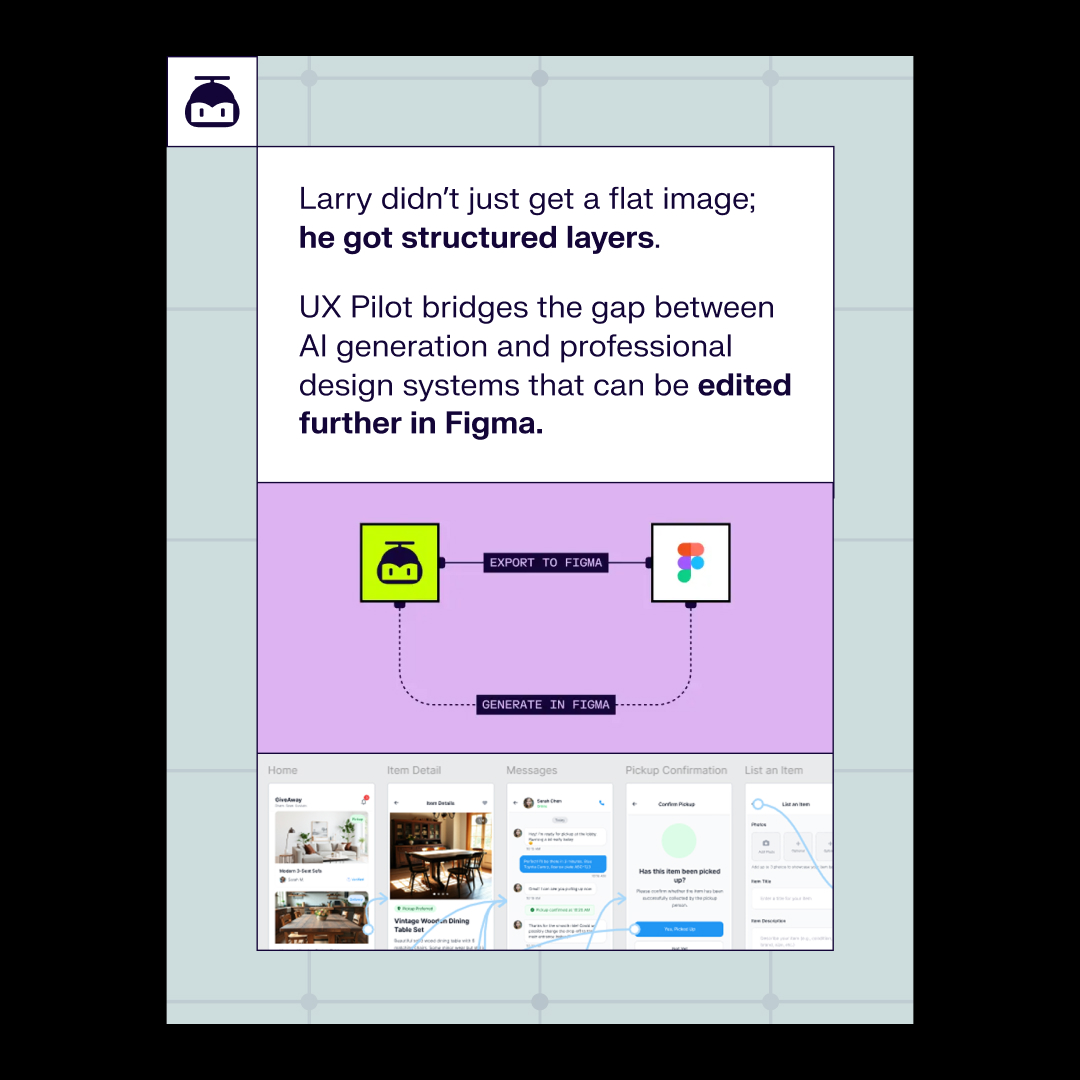
Larry didn’t just get a flat image; he got structured layers. UX Pilot bridges the gap between AI generation and professional design systems that can be edited further in Figma.
Rummly is proof that UX Pilot enhances UX research, design, and validation by automating repetitive tasks while keeping the user in creative control.